Set up a CRM for a small business sounds simple—until you actually do it.
Suddenly you’re dealing with pipelines, automation workflows, follow-up reminders, contact tags, sales stages, onboarding tasks, and endless customization options.
The truth is: most businesses don’t fail because they chose the wrong CRM.
They fail because they never set it up correctly.
In this step-by-step guide, you’ll learn exactly how to set up a CRM for your small business the right way—without wasting weeks configuring the wrong system.
Whether you’re using HubSpot, Pipedrive, Zoho, or another CRM, this framework works.
Why Small Businesses Fail at CRM Setup
Many business owners think buying software solves the problem.
It doesn’t.
CRM software is just a tool. Without a clear process, it quickly turns into an expensive digital mess.
Common mistakes include:
- No defined sales pipeline
- Messy lead stages
- No follow-up process
- No automation rules
- No reporting system
This is exactly why many small businesses quit their CRM after only a few weeks.
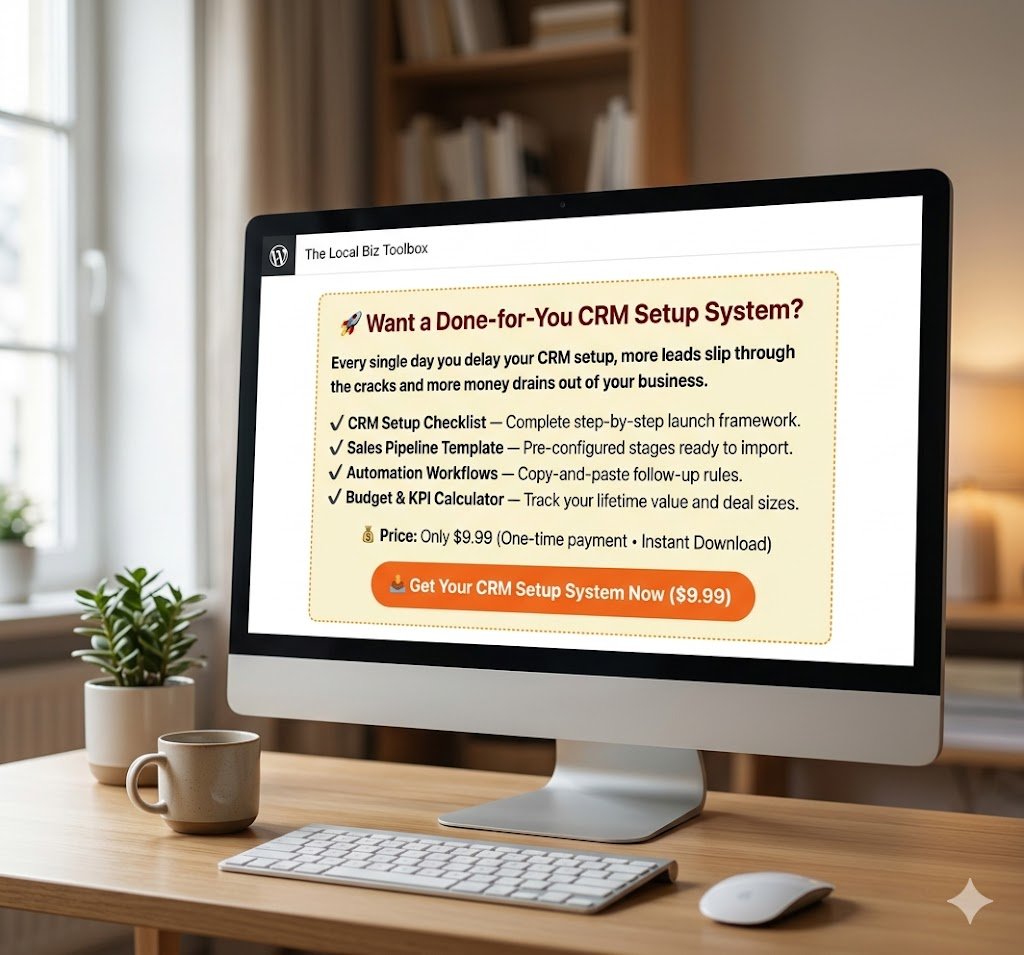
🚀 Want a Done-for-You CRM Setup System?
Skip hours of setup and use our ready-made CRM templates.
- ✔ CRM Setup Checklist
- ✔ Sales Pipeline Template
- ✔ Automation Workflow
- ✔ Budget Calculator
- ✔ SOP Launch Guide
🚀 Want a Done-for-You CRM Setup System?
Skip hours of tedious configuration and launch your system today using our ready-made CRM templates.
- ✔ CRM Setup Checklist — Complete step-by-step launch framework.
- ✔ Sales Pipeline Template — Pre-configured stages ready to import.
- ✔ Automation Workflows — Copy-and-paste follow-up rules.
- ✔ Budget & KPI Calculator — Track your lifetime value and deal sizes.
💰 Price: Only $9.99 (One-time payment • Instant Download)
Step 1: Define Your Sales Pipeline to Set Up a CRM
Before you even log into your CRM, map your sales process first.
A simple small business pipeline usually looks like this:
- New Lead
- Contacted
- Qualified
- Proposal Sent
- Negotiation
- Won / Lost
This structure keeps your CRM organized and helps you instantly see where every lead is in the buying process.
Without this, your CRM becomes chaos.
Step 2: Import and Organize Contacts
Next, upload your contacts.
But don’t just dump data blindly.
Segment contacts using tags such as:
- Hot Lead
- Cold Lead
- Existing Client
- Referral
- Partner
This makes future automation and follow-up dramatically easier.
🛑 Switching CRMs? Don’t Risk Losing Your Leads!
The single most stressful part of switching CRMs is data migration. We’ve done the hours of tedious configuration for you.
Download the 2026 Migration Blueprint Now →Step 3: Build Follow-Up Automation
This is where CRM starts saving time.
Set up simple automation rules:
- New lead → assign follow-up task
- No reply after 3 days → send reminder email
- Proposal sent → schedule follow-up call
Automation removes manual work and prevents leads from slipping through the cracks.
This is a crucial milestone when you set up a CRM for your business.
Even one missed follow-up can cost thousands in lost revenue.
Step 4: Set Reporting Metrics
Track these KPIs from day one (Learn more about essential business KPIs from HubSpot).
- Lead response time
- Close rate
- Pipeline value
- Average deal size
- Monthly revenue
What gets measured gets improved.
A CRM without reporting is just an expensive contact list.
Step 5: Standardize Your Team Workflow
If multiple people touch leads, you need SOPs.
Create rules for:
- When leads get assigned
- How often follow-ups happen
- Who updates deal stages
- How onboarding is handled
This ensures consistency across your business.
Best CRM Tools for Small Business
Popular CRM platforms for small businesses include:
- HubSpot CRM
- Pipedrive vs HubSpot
- Zoho CRM
- Monday Sales CRM
- Freshsales
The software matters less than your implementation process.
Even the best CRM fails with poor setup.
Choosing the right platform makes it much easier to set up a CRM successfully.
Ready to Launch Your CRM Faster?
Stop wasting hours building your CRM from scratch.
Download our ready-made CRM Setup System and launch faster today.
⏰ Stop Wasting Time Building from Scratch!
Every single day you delay your CRM setup, more leads slip through the cracks and more money drains out of your business.
Get instant access to pre-configured pipelines, automation blueprints, and launching templates. Have your entire sales system running flawlessly by the end of today!
✨ One-Time Payment • Instant Lifetime Access • 100% Small Business Ready
Instant download • One-time payment • Small business ready
Final Thoughts
CRM success is not about choosing the most expensive software.
It’s about building a repeatable system that helps you manage leads, automate follow-up, and close deals consistently.
Set up your CRM correctly once, and it can become one of the most valuable assets in your business.